How TillTom works
A private space to chat with someone you just met — before you decide whether to share your contacts.
Meeting someone new shouldn’t mean handing over your whole digital life.
Your number, WhatsApp, Telegram, Instagram, LinkedIn — they all carry more than just a way to reach you. They carry your history, your photos, your network. TillTom gives you a middle ground — a private space to chat first, without any of that.
How it starts — takes 30 seconds
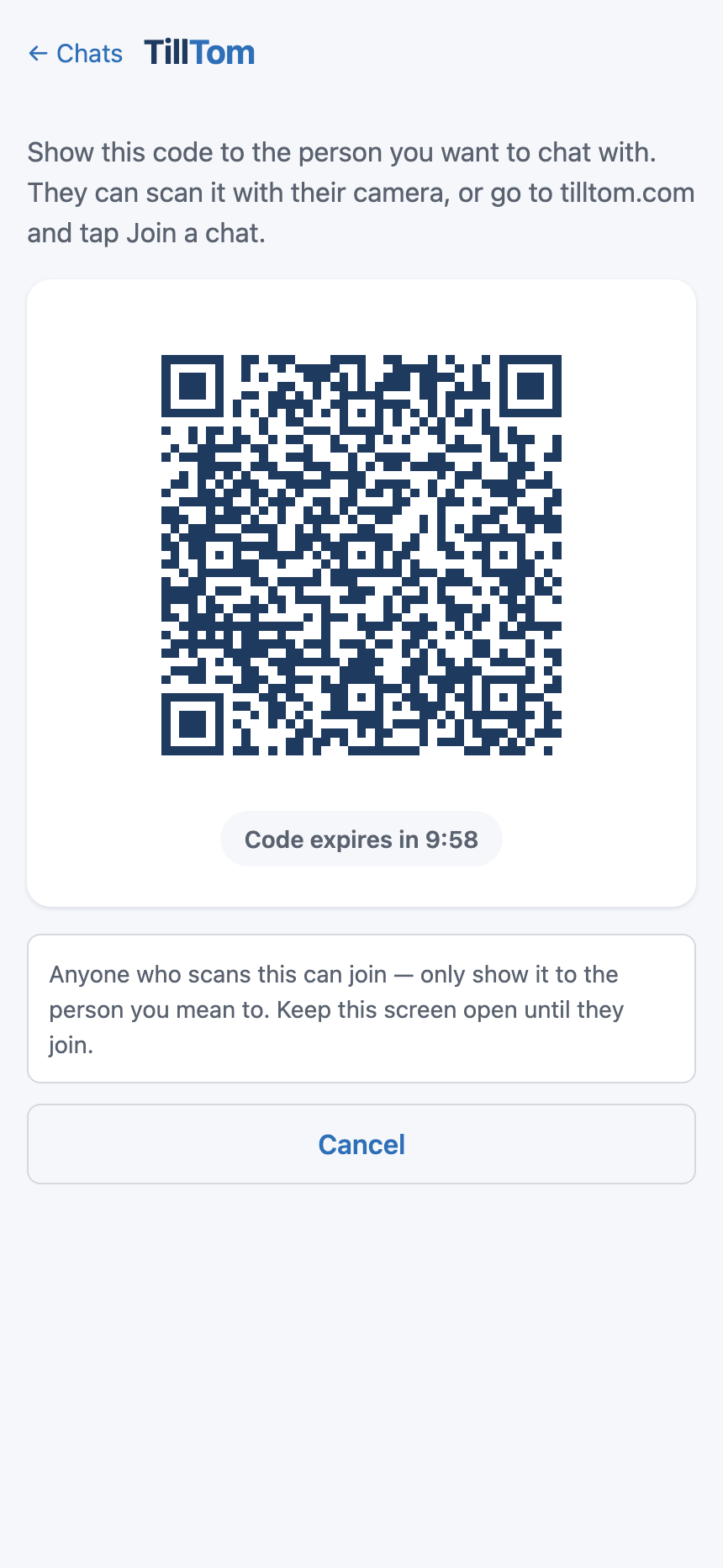
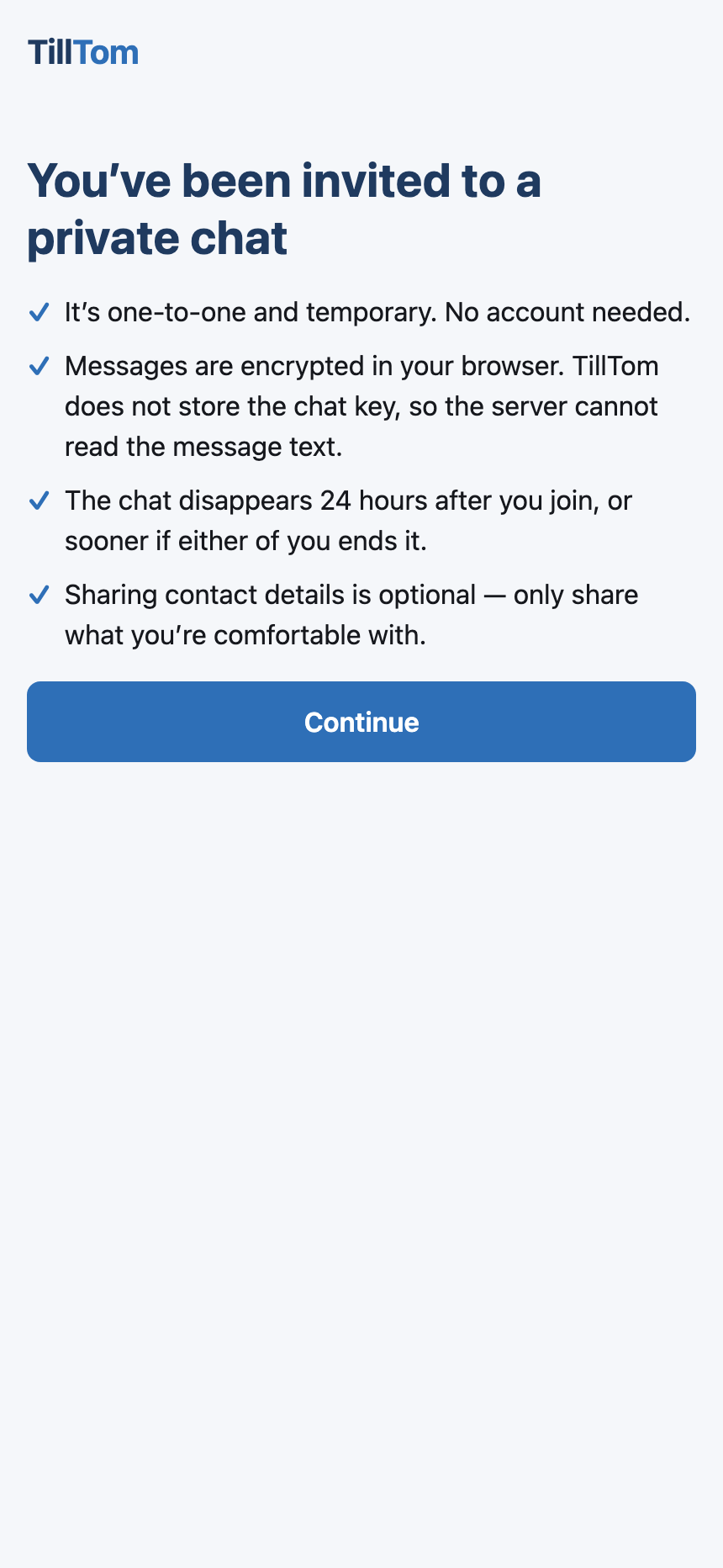
One of you opens tilltom.com, picks a nickname, and a QR code appears. The other person either opens tilltom.com and taps Join a chat to scan, or simply points their phone camera directly at the QR code. Either way, no app, no account, no sign-up for either of you. You’re in.
What the chat looks like
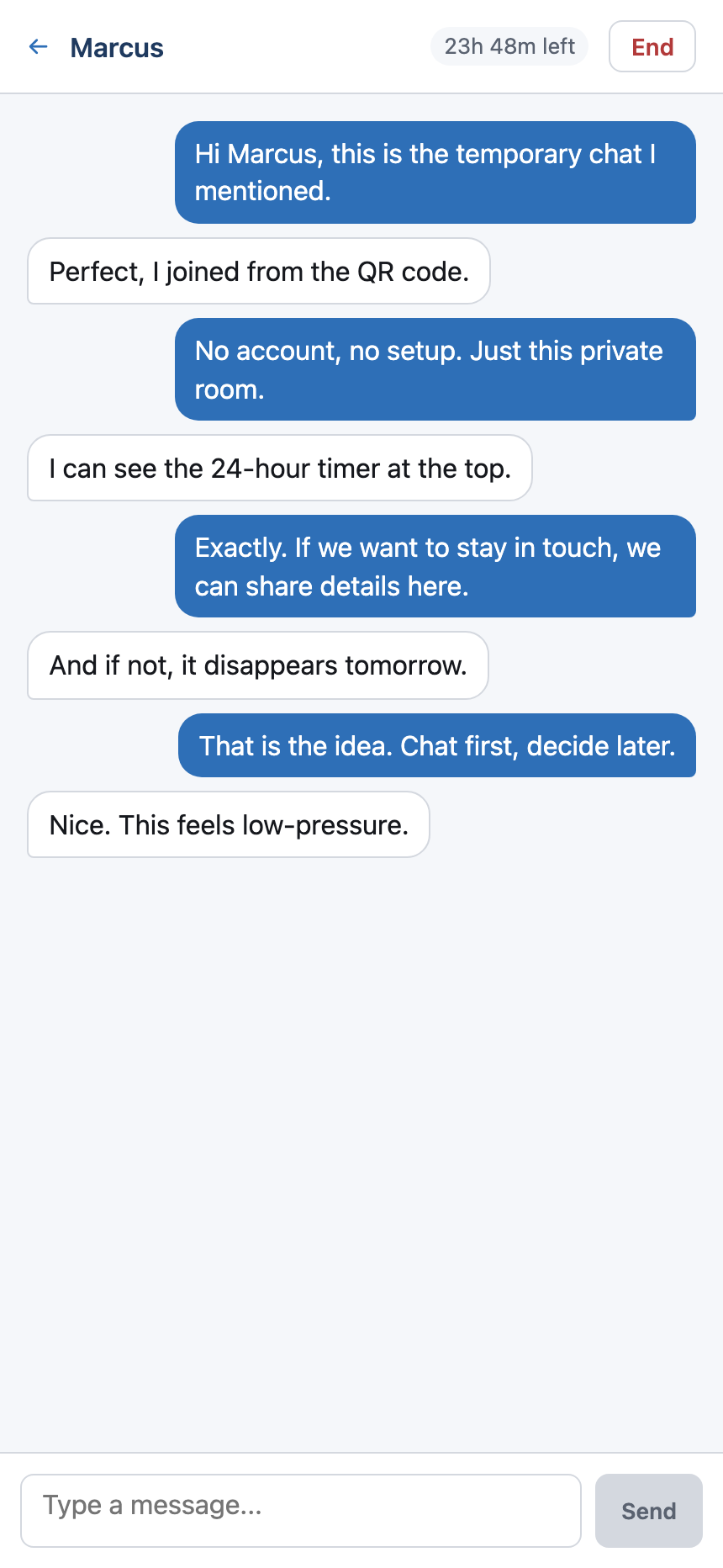
A private, encrypted conversation. Just the two of you — no platform in the middle, no algorithm, no trace of it on either of your profiles.
Returning to a chat
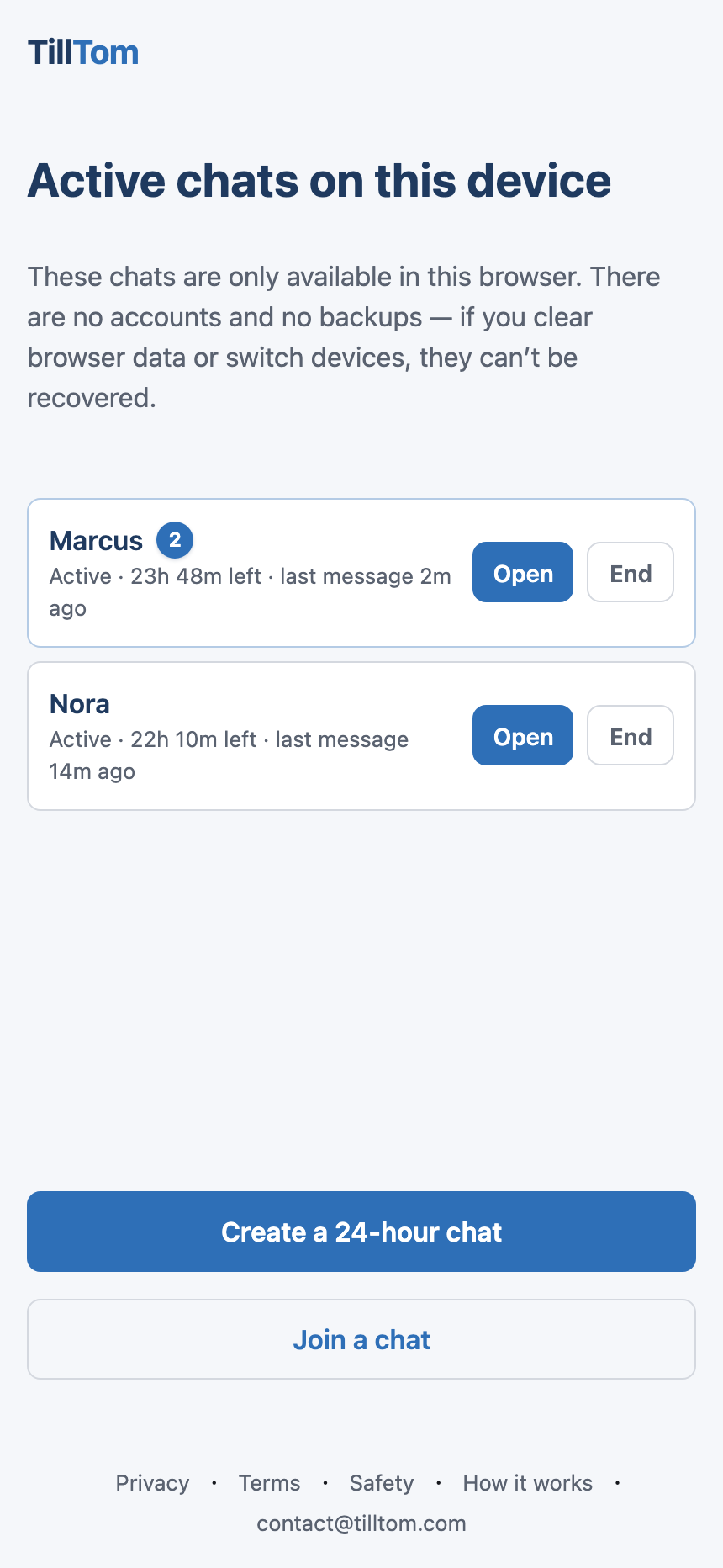
Your chats live only in the browser that created or joined them. If a chat is still on this device, you can return to it from your chat list until it expires or you remove it.
If you want to stay in touch
Share whatever you’re comfortable with right there in the chat — a phone number, WhatsApp, Telegram, Instagram, LinkedIn, anything. On your terms, in your own time. TillTom doesn’t push you either way.
If you don’t
Just let it go. The chat disappears after 24 hours. Or end it yourself whenever you want — it closes for both of you immediately. No awkward connection lingering on someone’s phone.
Gone by tomorrow
No archive. No account. No trace. It existed, you talked, and now it’s gone — just like a real conversation.
Sharing contacts is always your choice. If you want to exchange details, type them in the chat. If you don’t, nothing leaves the conversation.
TillTom is for low-risk, temporary conversation. Not for emergencies, identity checks, formal records, or sensitive regulated communications.